How to Download and Install Keyword Scraper
Table Of Contents
Keyword Scraper is a lightweight SEO tool that pulls autocomplete suggestions from Google, Bing, and other search engines. Because the installer is a standalone .exe from an indie developer — not a Microsoft-signed publisher — Chrome and Windows Security may flag it as potentially unwanted. This is normal for small utilities. Follow the steps below to download and install it safely.
Step 1: Go to the download page
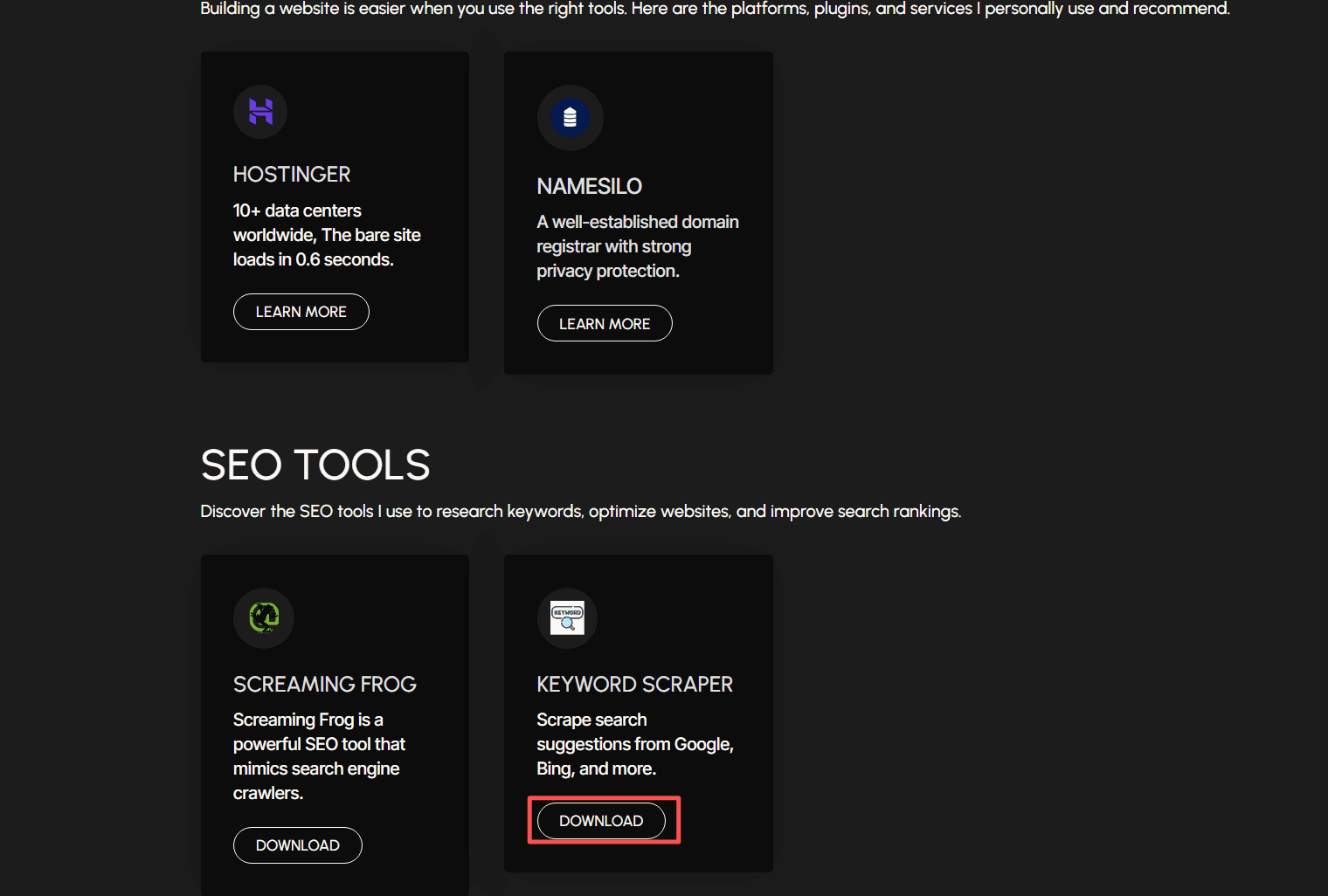
Visit https://brandwisp.com/tools/ and scroll down to the SEO TOOLS section. Click the DOWNLOAD button under KEYWORD SCRAPER.
Step 2: Do not panic if Chrome shows a warning
Chrome may block the download and label it as dangerous. This is a generic warning for executable files that are not widely distributed.
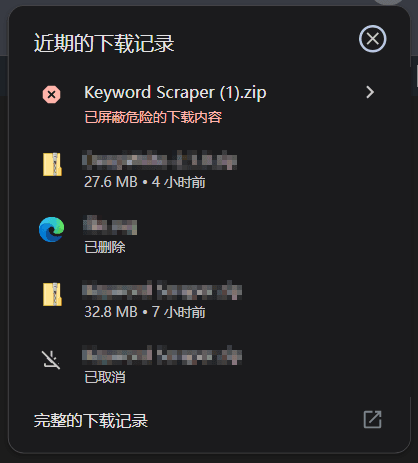
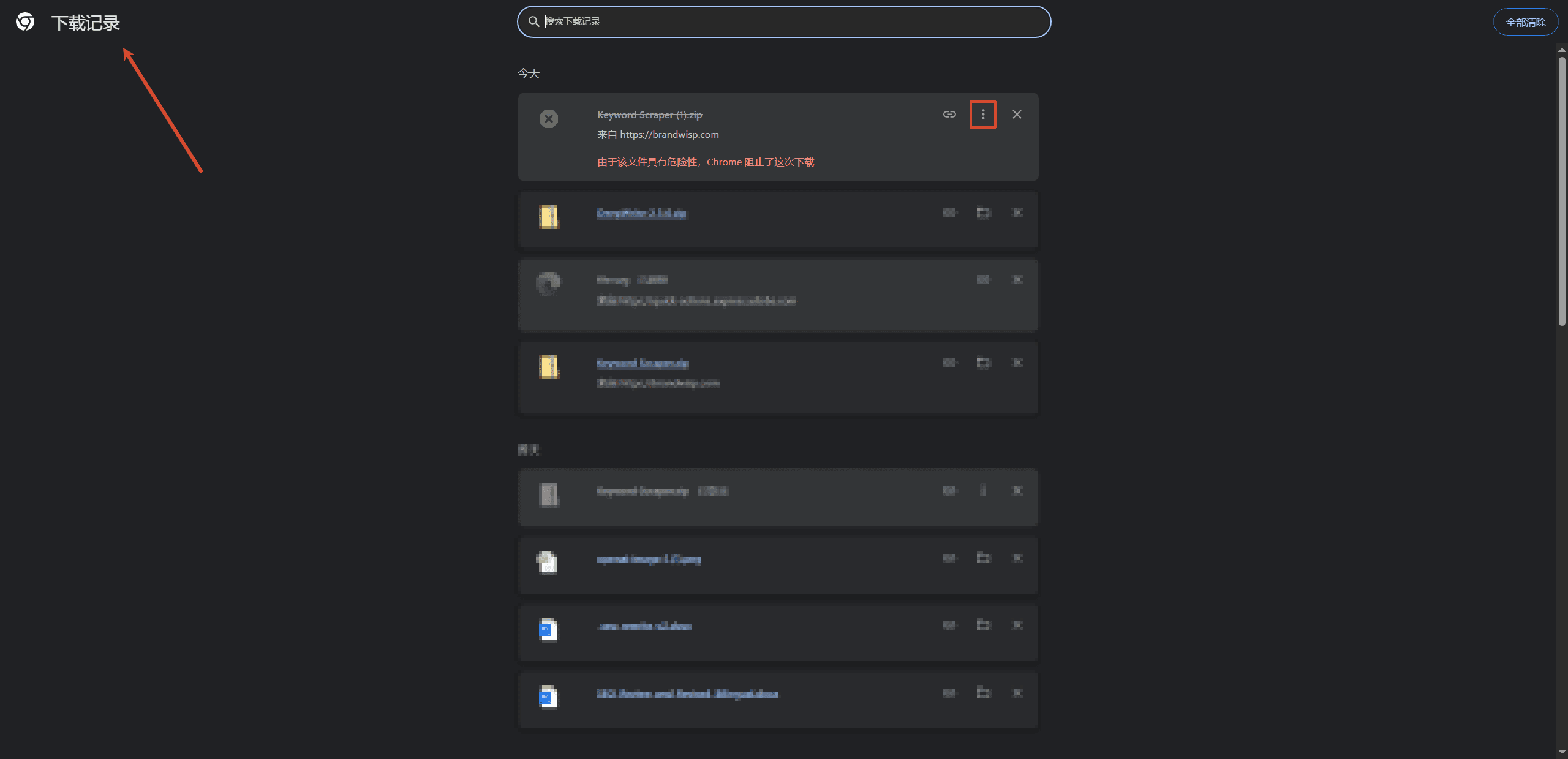
Step 3: Confirm the download from Chrome Downloads
Open Chrome Downloads (press Ctrl + J on Windows). Find the blocked file, click the three-dot menu on the right, and select Keep or Confirm download to finish.
Step 4: Extract the ZIP file
Once the download is complete, right-click the ZIP file and extract it. You can now run Keyword Scraper from the extracted folder.
Step 5: Allow the app through Windows Security
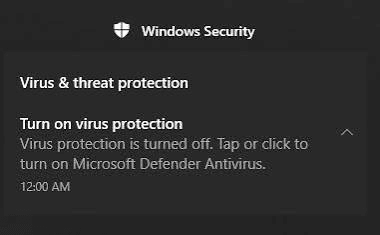
If Windows Security sends a notification, click it to open the details.
Step 6: Change the threat severity to Allowed
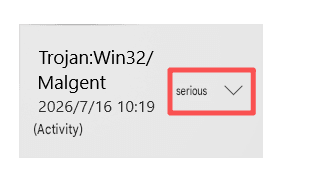
You may see a detection such as “Trojan:Win32/Malgent” with the severity set to Serious. Click the dropdown and change it to Allowed on this device. This tells Windows Defender that you trust the file and want to keep it.
Note: Only allow files you trust. This executable is downloaded directly from the official Brandwisp tools page, so it is safe to keep.
You are ready to go
Open Keyword Scraper and start collecting autocomplete suggestions for your keyword research.